
Discover how to find bikepacking routes with the best navigation apps. Master Komoot, Ride with GPS, and Trailforks for successful off-road wilderness adventures.
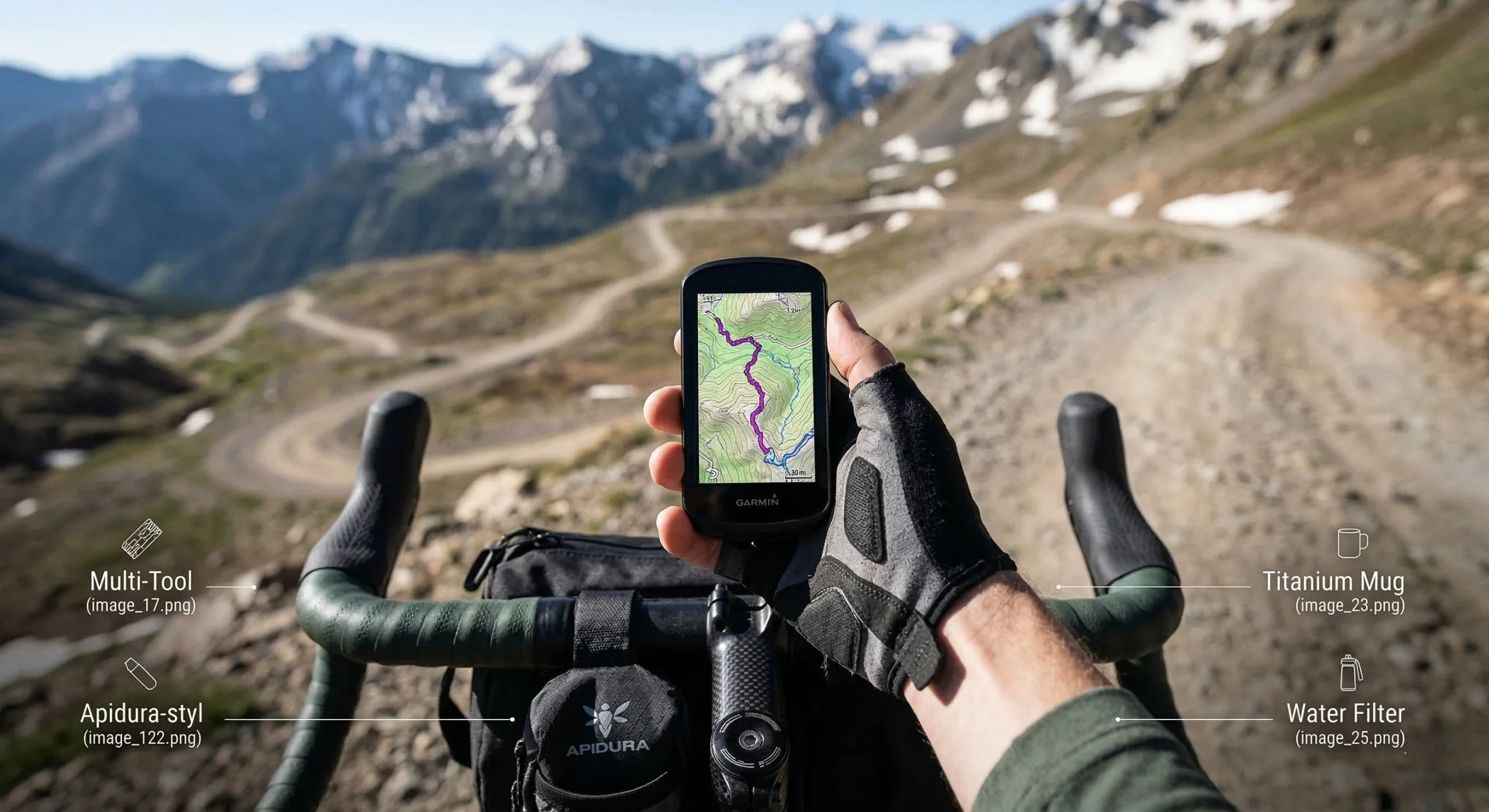
Table of Contents
Introduction: The Infrastructure of Wilderness Navigation
Identifying reliable bikepacking routes is the foundational step for any self-contained wilderness expedition. Unlike road cycling, off-road travel requires a deep understanding of surface types, private land boundaries, and topographic gradients. A mistake in navigation can lead to “hike-a-bike” scenarios that exceed a rider’s physical capabilities. For those who have already consulted the 7 Proven Steps for Bikepacking for Beginners, mastering digital mapping is the logical next phase of technical development.
The complexity of off-road terrain necessitates the use of specialized software rather than standard road-mapping tools. These applications provide critical data on Trail Difficulty Ratings and seasonal accessibility. High-quality navigational data allows the rider to plan for water resupply and campsite selection with surgical precision. This guide analyzes the best applications currently available to help you build your Ultimate 3-Day Gear List around a vetted itinerary.
Digital Navigational Infrastructure for Off-Road Use
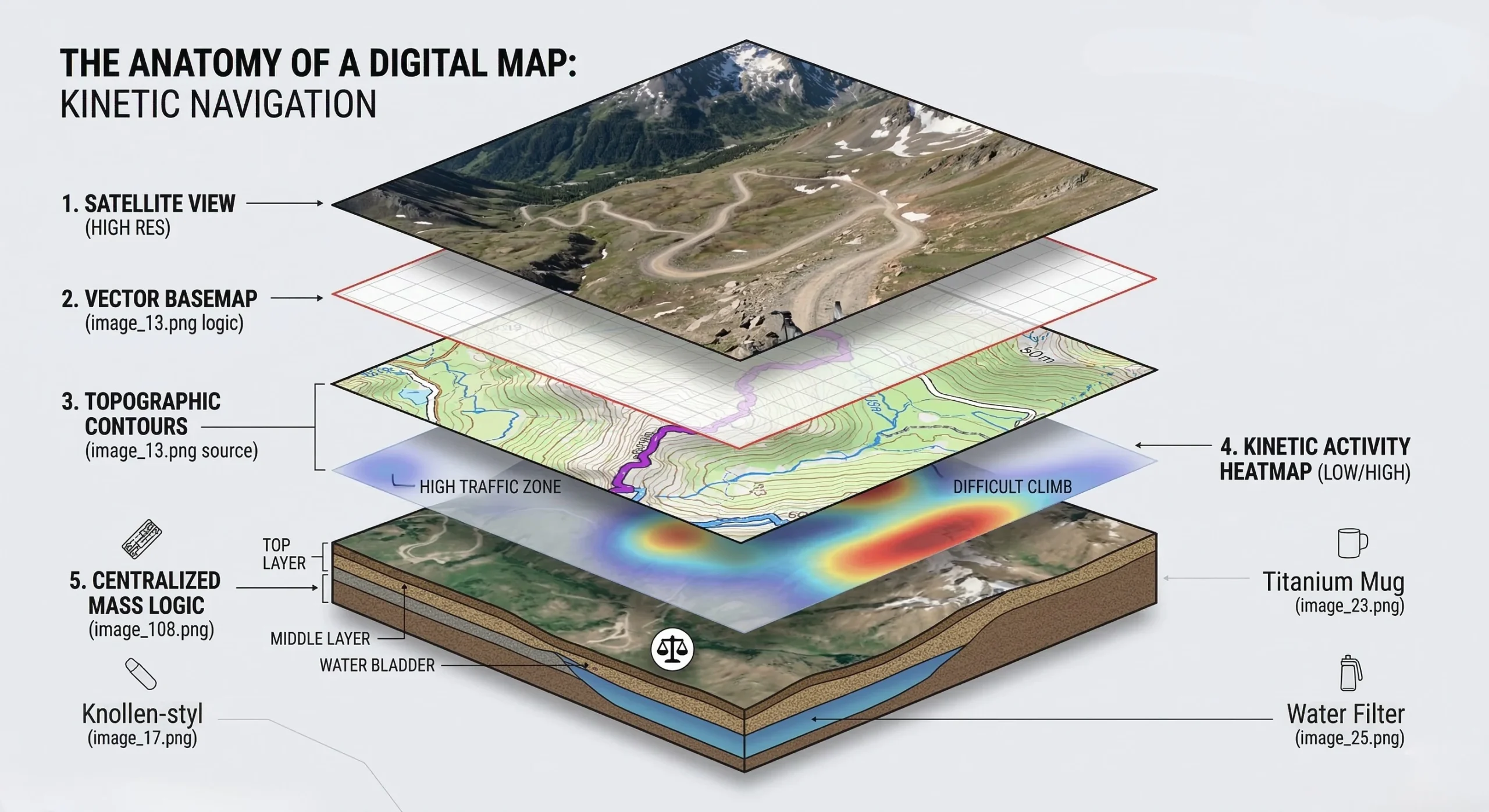
Effective route finding relies on “OSM” or OpenStreetMap data. This community-sourced database contains millions of miles of unpaved tracks that do not appear on standard commercial maps. When searching for bikepacking routes, the rider must look for apps that offer high-resolution offline mapping. Losing a data connection in a remote canyon is a significant safety risk. This self-sufficiency is a core tenet of our Bikepacking Packing Guide.
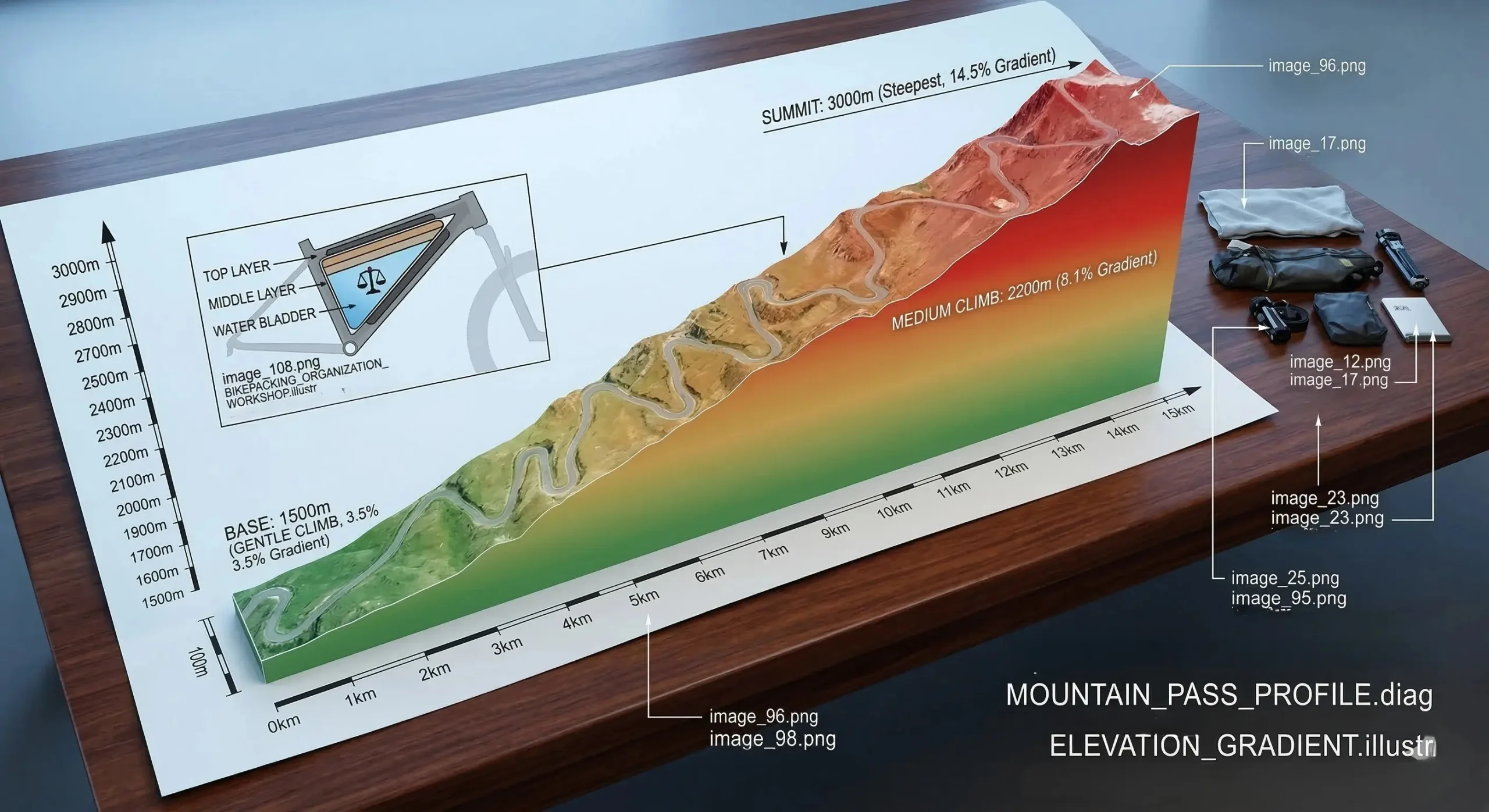
Navigational accuracy is dictated by the quality of the GPS signal and the software’s ability to interpret topographic data. Modern apps now offer 3D terrain visualization, which helps riders assess the difficulty of upcoming climbs before reaching them. Understanding these gradients is essential for managing energy and avoiding the “tomahawk” fatigue described in our Beginner Guide. A well-planned route is a safer route.
Komoot: The Specialized Route Architect
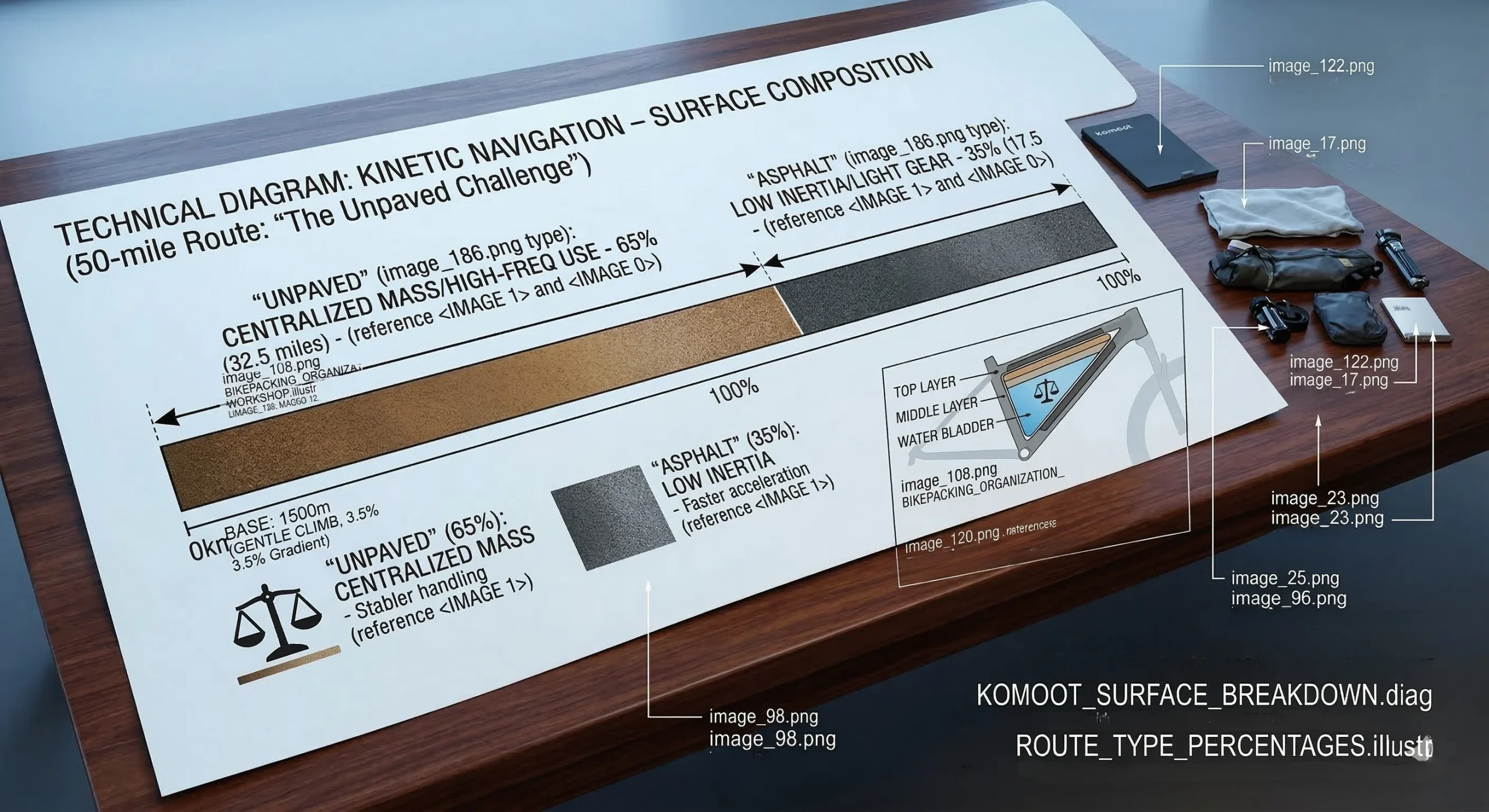
Komoot is widely considered the gold standard for finding bikepacking routes in the 2026 season. Its proprietary routing algorithm prioritizes forest roads and singletrack over paved highways. It offers sport-specific routing, meaning a gravel bike will be directed differently than an enduro mountain bike.
Technical Performance and Features
- Surface Data: Provides a meter-by-meter breakdown of asphalt, gravel, and unpaved surfaces.
- Highlights: Crowdsourced photos and reviews of specific trail features or viewpoints.
- Sync Capabilities: Seamlessly pushes routes to Garmin and Wahoo head units.
- Pros: Exceptional surface-type accuracy; easy-to-use interface; great for discovering unknown trails.
- Cons: Higher subscription cost for “World” maps; route-planning can be “too aggressive” on technical grades.
- Check Details: Komoot Planning App.
Ride with GPS: Professional Mapping Precision
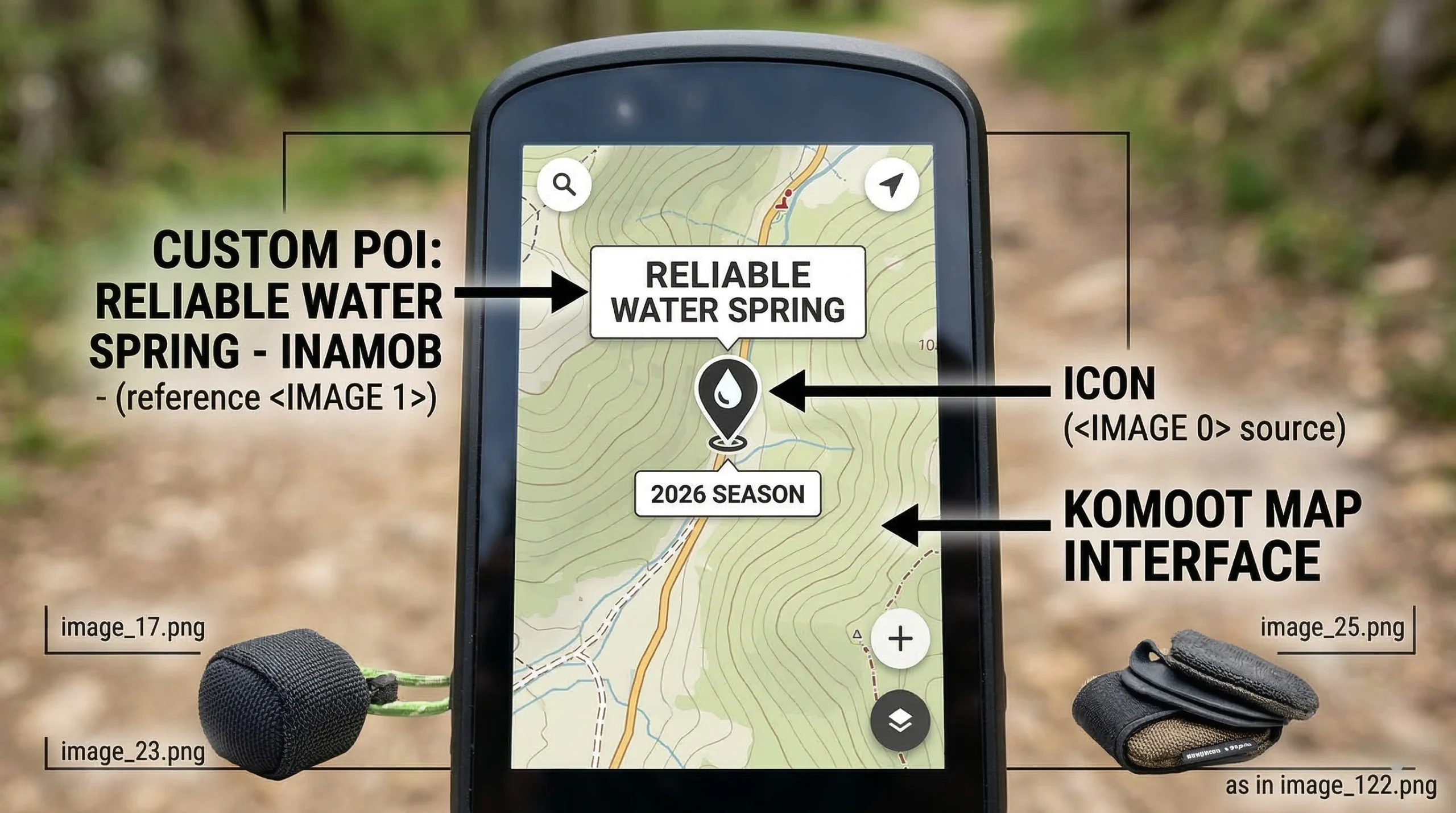
For riders who require the highest level of customization, Ride with GPS is the preferred tool. It is often used by professional route designers to create transcontinental itineraries. It allows for the addition of custom “cues” that can alert a rider to a hidden water source or a dangerous intersection.
Technical Control and Cues
- Cue Sheet Integration: Allows for custom voice prompts or text alerts at specific GPS coordinates.
- POI Management: Highly effective for marking resupply points, as discussed in our Ultimate Gear List.
- Interactive Elevation: Hovering over the elevation profile highlights the exact location on the map.
- Pros: Best-in-class route editing tools; reliable offline performance; excellent for group trips.
- Cons: Mobile app is less intuitive than Komoot; some advanced features require a desktop computer.
- Check Details: RWGPS Mapping Tools.
Trailforks: Navigating Technical Singletrack
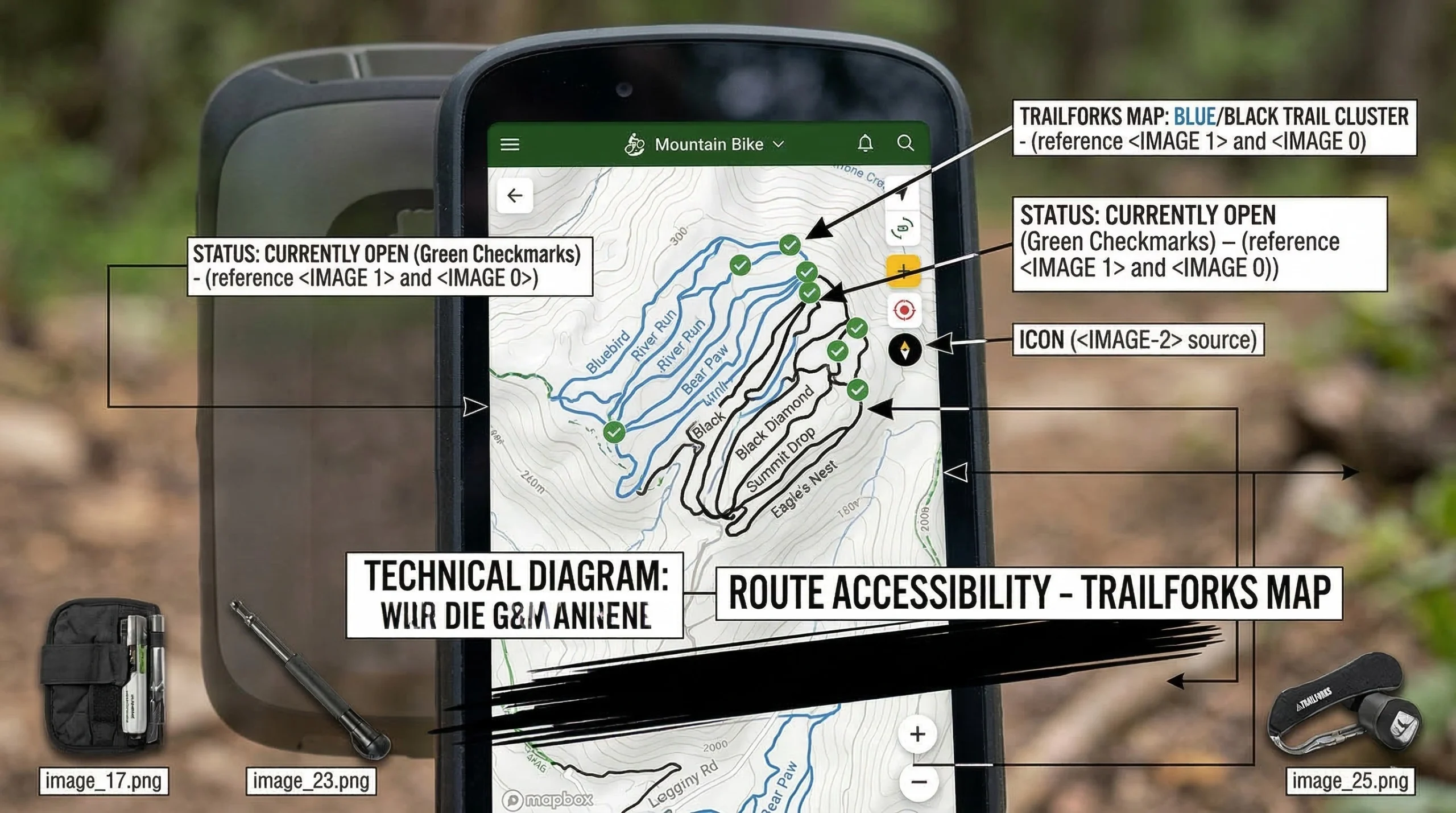
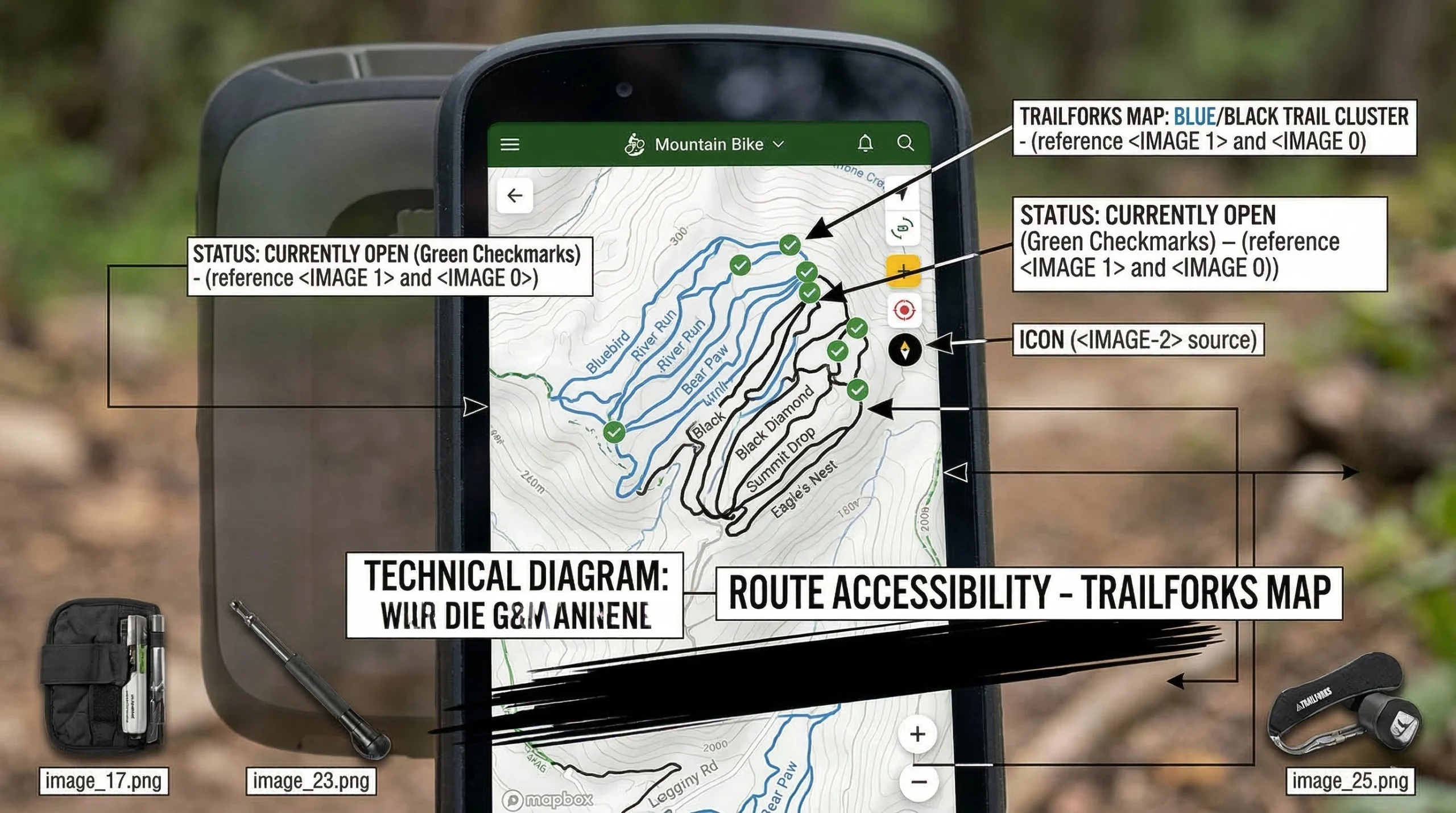
If your bikepacking routes involve significant mountain bike singletrack, Trailforks is a mandatory utility. While Komoot and RWGPS focus on the journey, Trailforks focuses on the specific difficulty of the trail itself. It provides real-time reports on trail conditions, such as fallen trees or washouts.
Technical Grade and Status
- Live Reports: Riders can report trail status (e.g., “Closed due to mud”) to help others.
- Difficulty Color-Coding: Uses the IMBA Standard (Green, Blue, Black) for all trail segments.
- Heatmaps: Shows the most popular directions and routes taken by other riders.
- Pros: Unmatched data for technical singletrack; community-driven accuracy; great for finding “secret” trails.
- Cons: Not designed for long-distance point-to-point planning; interface can feel cluttered.
- Check Details: Trailforks Database.
Gaia GPS: Deep Wilderness Topography
For expeditions into truly remote regions, Gaia GPS provides the deepest topographic data. It allows riders to layer US Forest Service maps with USGS high-resolution data. This is essential for navigating areas where established bikepacking routes may not exist.
Topographic Layering Systems
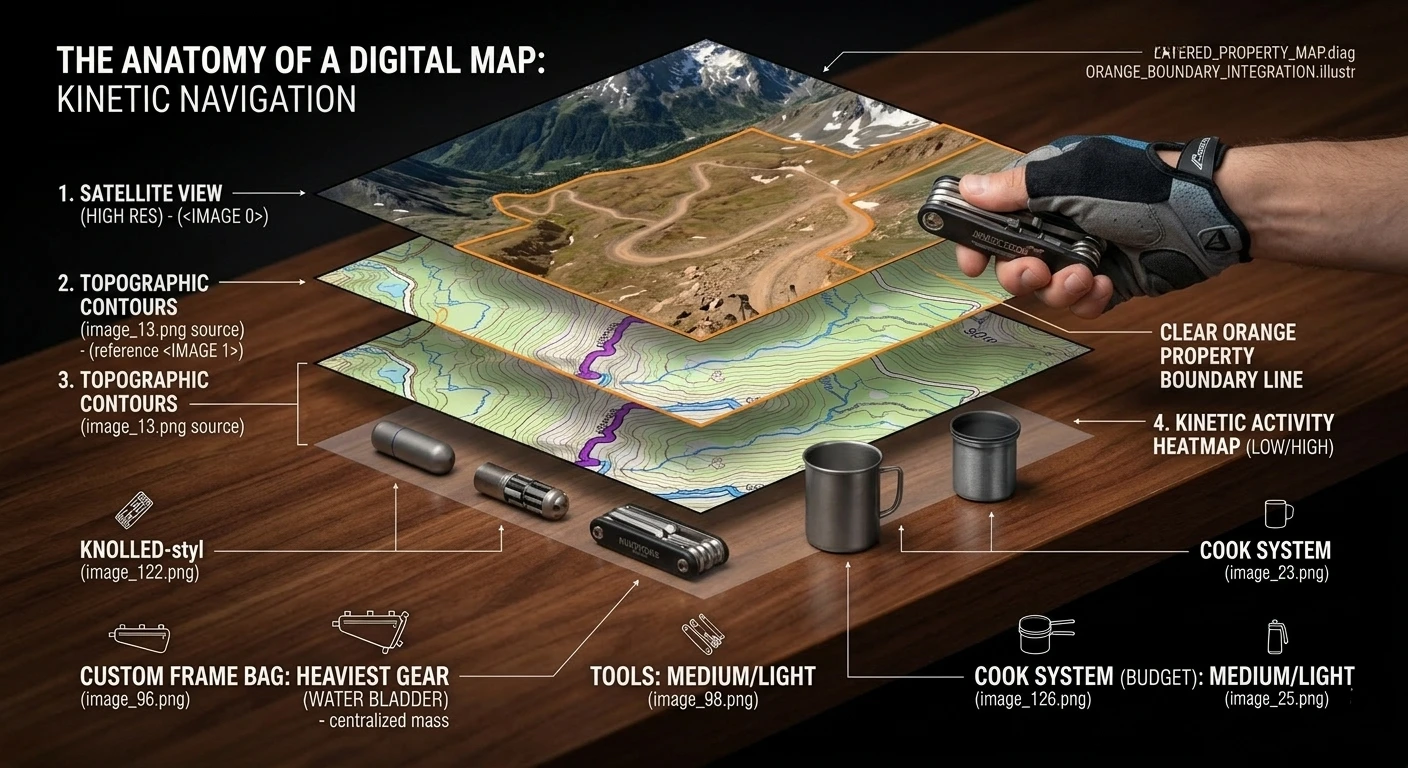
- Map Layering: View private land boundaries next to high-res topographic contours.
- Public Lands: Clearly demarcates BLM and National Forest boundaries.
- Satellite Clarity: Offers the highest resolution satellite imagery for assessing road quality.
- Pros: Best topographic layers in the industry; crucial for backcountry safety; precise GPS tracking.
- Cons: Steep learning curve; the interface is designed for hikers, not cyclists.
- Check Details: Gaia GPS Wilderness Maps.
Community Resources and Source Data
Finding the best bikepacking routes often involves moving beyond apps and into community forums. Established routes have usually been vetted for legality and safety. For a reliable starting point, Bikepacking.com provides a global database of curated adventures. These routes include detailed photography and logistical breakdowns similar to our 3-Day Gear List.
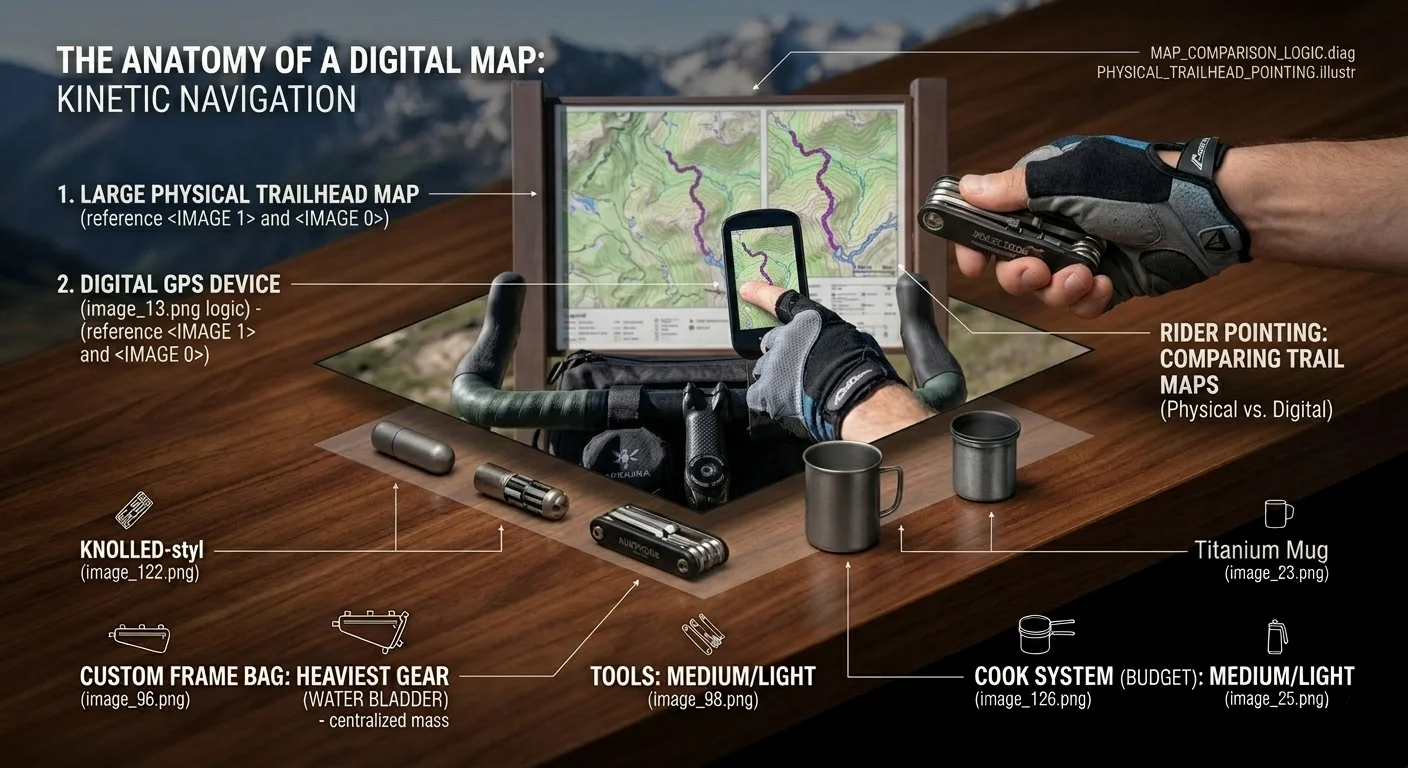
Local Facebook groups and Reddit communities are also invaluable for up-to-the-minute data. A bridge closure or a new “No Trespassing” sign can render a digital map obsolete. This real-world verification is a hallmark of Professional Route Planning. Always cross-reference multiple sources before committing to a remote itinerary.
Redundancy and Battery Management
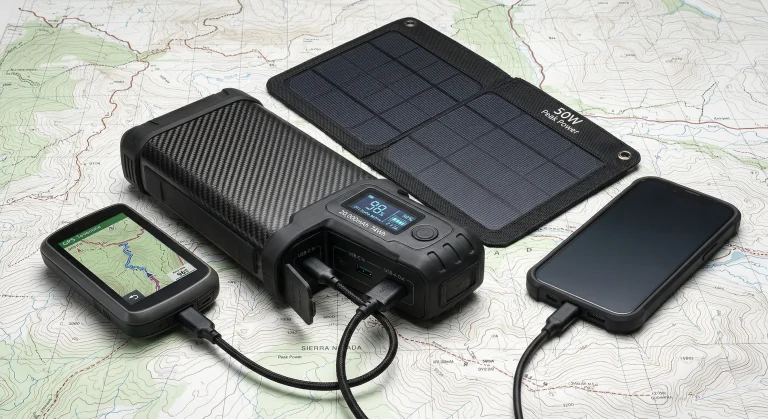
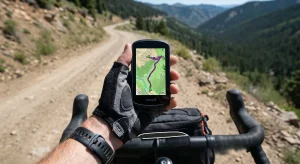
A navigational system is only as good as its power source. Relying exclusively on a smartphone for finding bikepacking routes is a logistical error. Cold weather and high screen brightness can drain a phone battery in less than 4 hours. Riders should use a dedicated GPS head unit like the Wahoo ELEMNT ROAM for primary navigation.
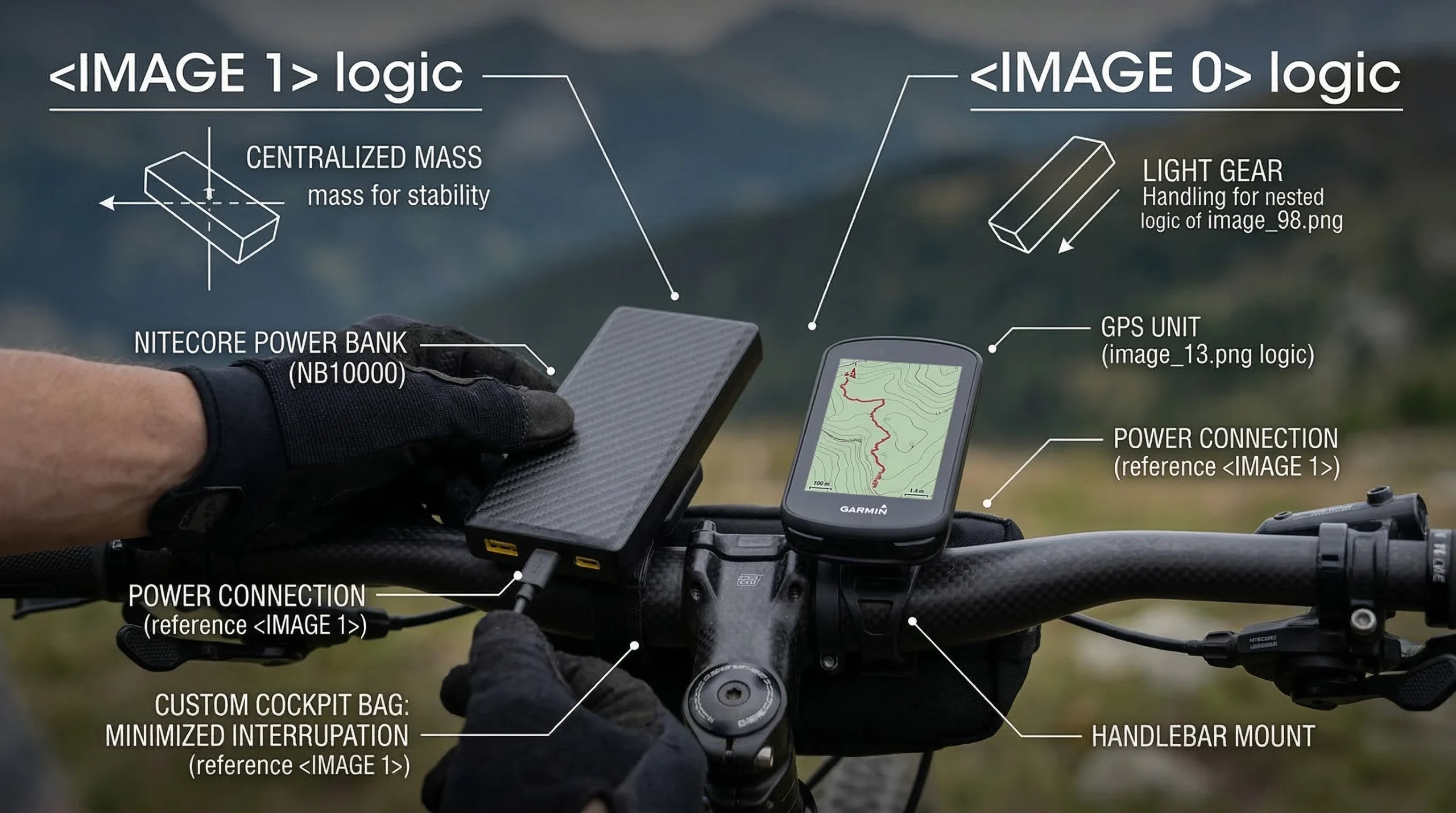
- Primary Navigation: Dedicated GPS unit with 15+ hours of battery life.
- Secondary Backup: Smartphone with offline maps downloaded (Gaia or Komoot).
- Energy Budget: Carry a portable power bank, as recommended in our Essential Gear Guide. Nitecore Carbon Fiber Power Banks are the industry standard for weight-conscious riders.
- Tertiary Backup: Always carry a paper USGS Topographic Map of the primary corridor.
Logistical Route Verification and Legality
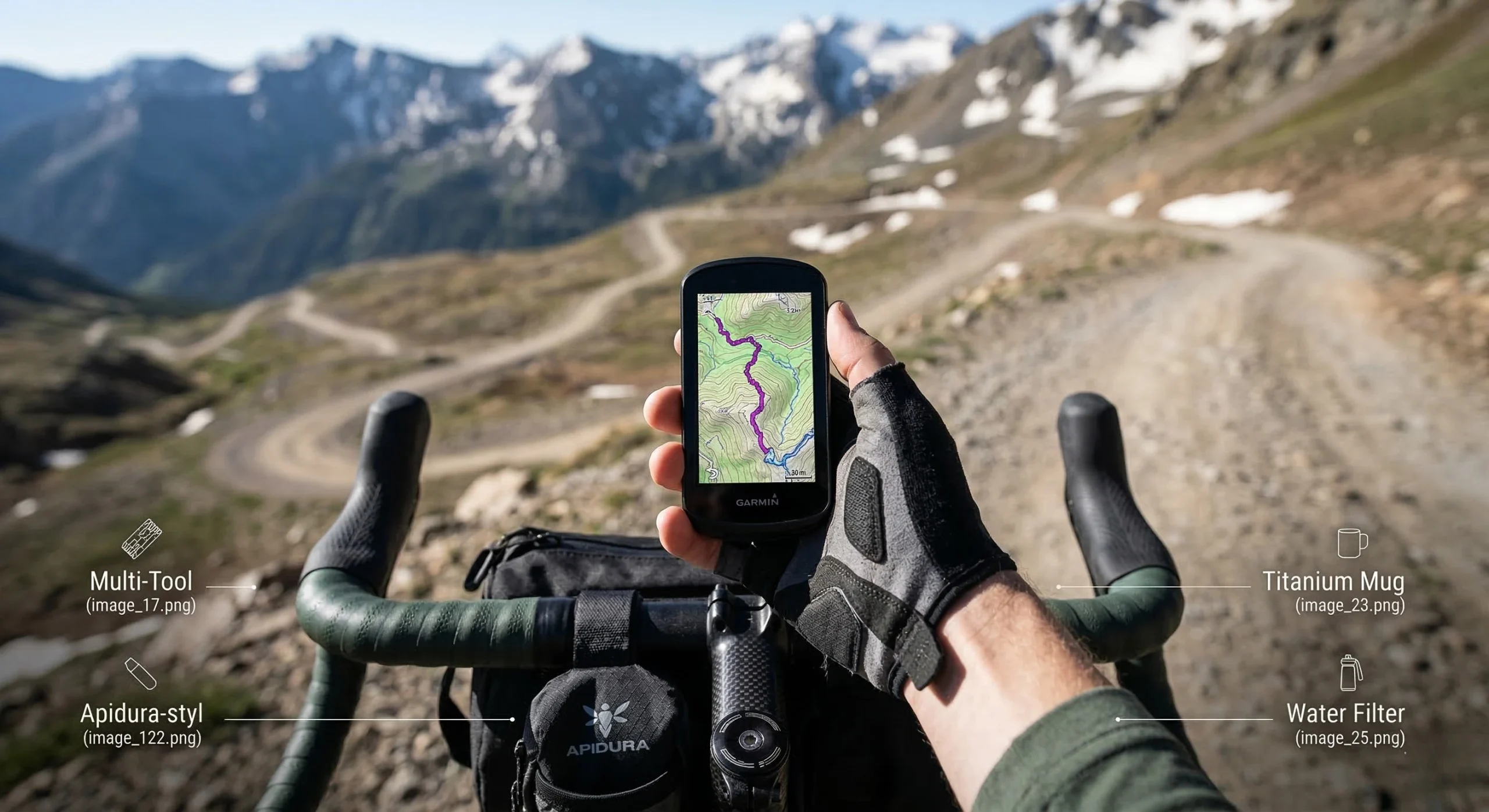
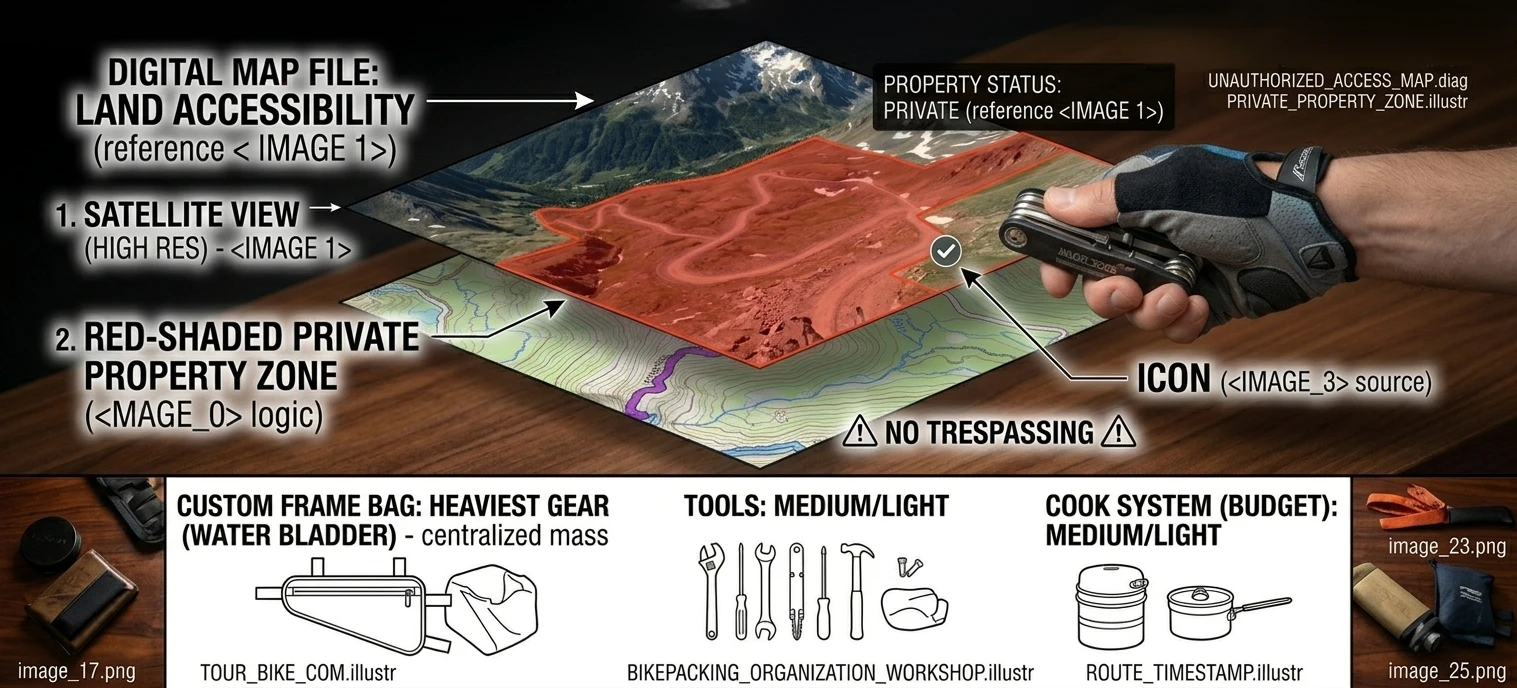
Before departing on your bikepacking routes, you must verify the legal status of every trail segment. Access rights can change seasonally due to wildlife nesting or hunting seasons. Using the “Private Land” layer in Gaia GPS helps avoid accidental trespassing. This respect for land boundaries is a critical safety protocol found in our Beginner Guide.
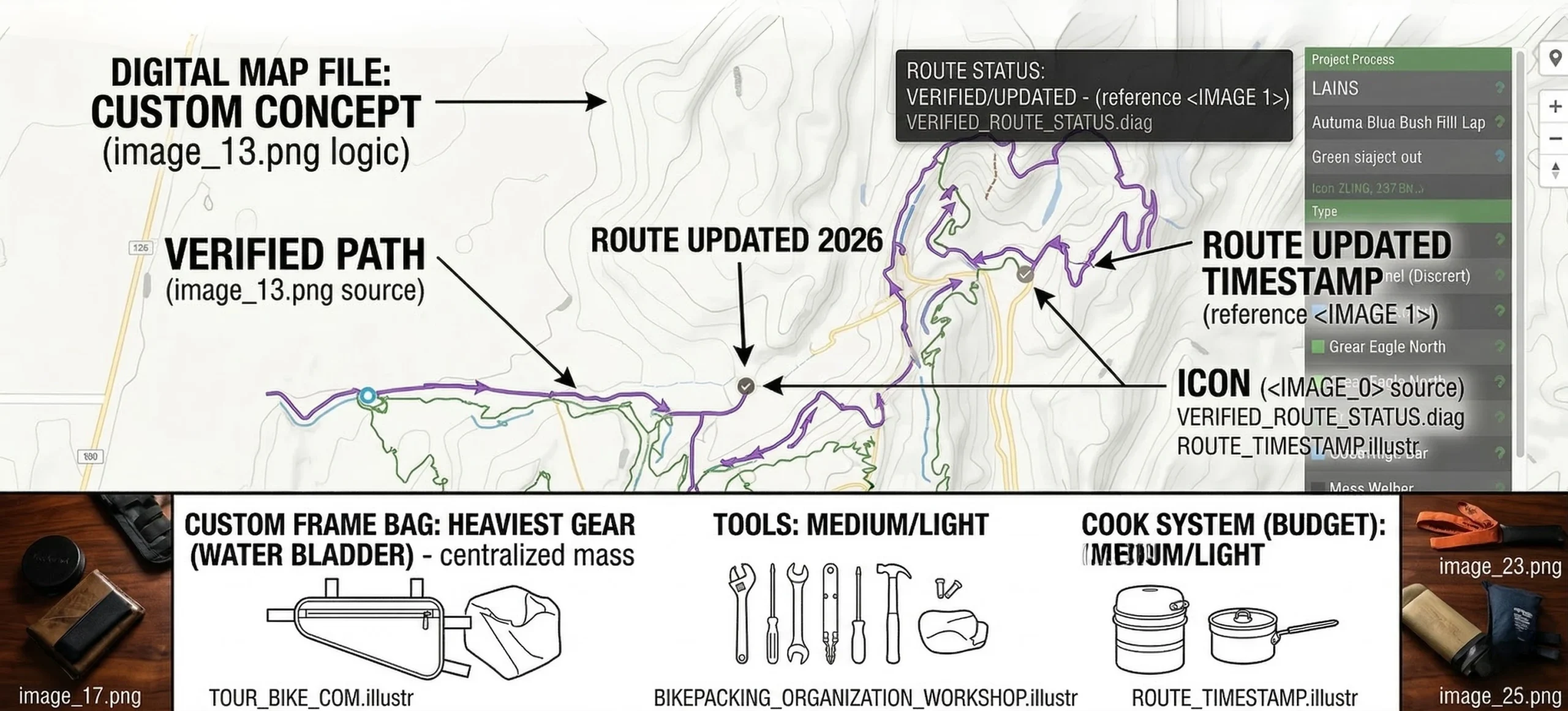
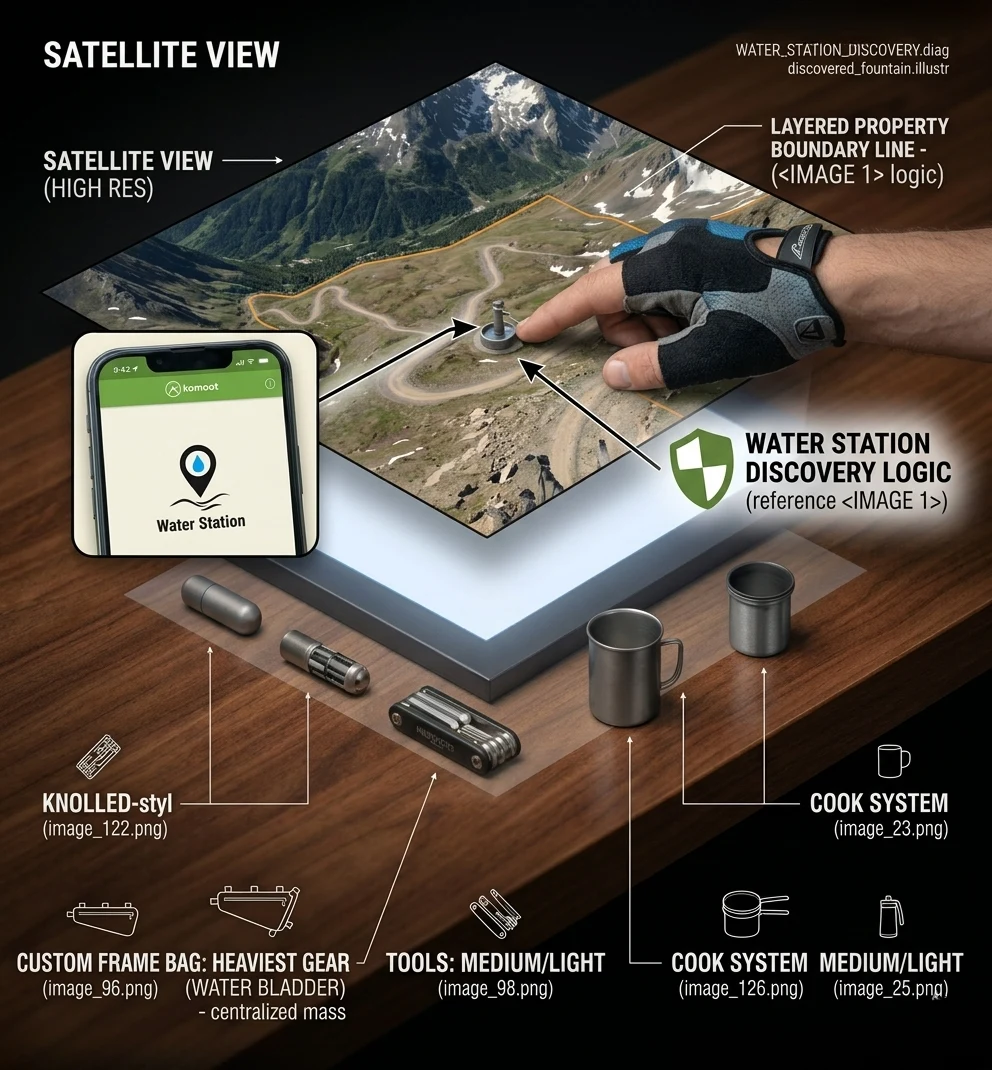
Riders should also verify the availability of water at marked points. A “reliable” spring on a map from 2022 may be dry in 2026 due to regional drought. Checking NOAA Weather Data and localized USFS Ranger reports is a proactive measure for wilderness survival. This level of detail is as important as the Weight Distribution Principles used in your packing strategy.
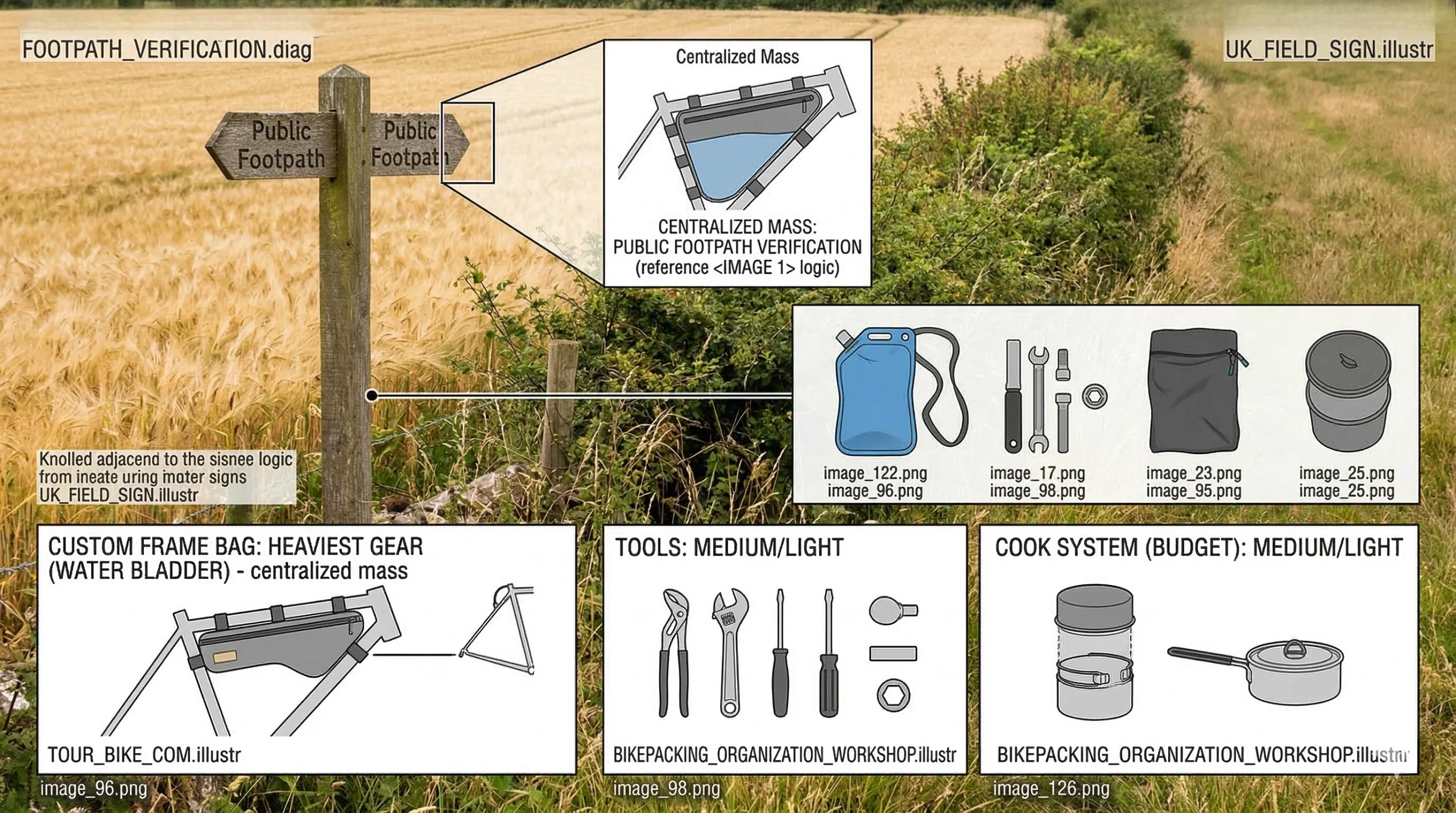
Navigating off-road also involves understanding the “Right to Roam” in specific countries. In Europe, many bikepacking routes utilize centuries-old bridleways and footpaths. In North America, riders are more restricted to public lands and forest service roads. Consult the Adventure Cycling Association for detailed legal guides on touring in different jurisdictions.
Conclusion: Navigation as the Foundation of Confidence
Mastering the use of digital apps to find bikepacking routes is a transformative skill for any off-road cyclist. By utilizing Komoot for surface data, Ride with GPS for planning cues, and Trailforks for technical singletrack, you ensure a safe and efficient journey. Navigation is not just about staying on the path; it is about having the confidence to explore the unknown. This confidence is built on the Mechanical Readiness and technical preparation we have established.
Remember that a map is only a representation of the world. Conditions change, and real-world judgment always takes precedence over digital prompts. Keep your Bikepacking Gear maintained and your navigation tools fully charged. As you progress from local rail-trails to remote mountain loops, your understanding of these bikepacking routes will become your greatest asset.
The wilderness is waiting, and with the right apps and a disciplined approach to redundancy, you are ready to conquer it. Treat the land with respect, follow Leave No Trace principles, and enjoy the unique liberation of off-road adventure. The transition from a local rider to a backcountry navigator is a path paved with preparation and a passion for the trail. Step out with a plan, respect your limits, and embrace the unparalleled freedom of the bicycle.
[Image Prompt 15: A final inspiring shot of a bikepacker reaching the summit of a pass at sunrise, checking their GPS one last time before a long, untracked descent.] [Image Prompt 16: A close-up of a Compass icon on a digital map, emphasizing the fundamental rule of orientation.] [Image Prompt 17: A rider in a remote campsite reviewing the next day’s elevation profile on a tablet.] [Image Prompt 18: A photo of a bicycle leaned against a USGS Survey Marker at the top of a mountain.] [Image Prompt 19: A macro shot of a USB-C charging port on a GPS unit, showing a rubber dust cover.] [Image Prompt 20: A 3D render of a GPS track winding through a narrow valley, illustrating the precision of modern data.] [Image Prompt 21: A silhouette of a rider against a bright sun, holding a paper map, representing the successful end of a well-navigated day.]
Discover more from Maive Verse
Subscribe to get the latest posts sent to your email.